
Subtotal: Rs. 0.00
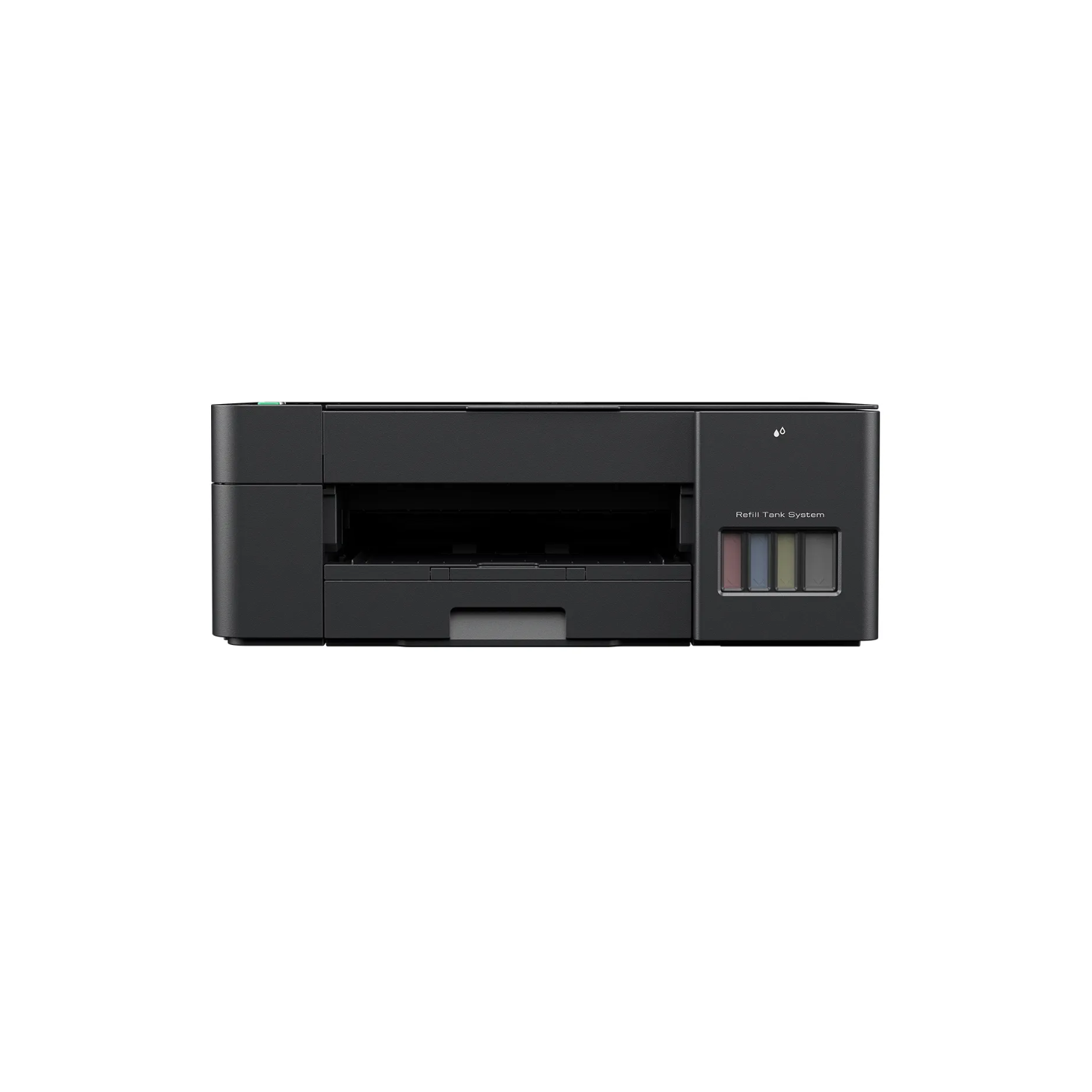
Brother DCP-T420W Refill Tank Printer
 Quality Assurance
Wide Selection
Competitive Pricing
Fast Shipping
Hassle-Free Returns
Experience excellence in technology and service
Rs.26800
Specification
| Brand | Brother |
|---|---|
| Model Name | DCP-T420W Refill Tank Printer |
| Functions | Print, Scan, Copy |
| Printer Type | Inkjet Printer |
| Product Dimensions (Width X Depth X Height) | 435 mm × 359 mm × 159 mm |
| Weight | 6.4 Kg |
| Print Speed | 16.0/9.0ipm |
| Paper Type | Plain, Inkjet, Glossy(cast/resin), Recycled |
| Paper Size | A4, Letter, Executive, A5, A6, Photo 4 *6, Indexcard 5*8, Photo 5*7, C5 Envelope, Com-10, DL Envelope, Monarch, Photo-3.5*5 |
| Maximum Paper Capacity | 150 sheets (80 gsm, plain paper) |
| Borderless | A4, Letter, Executive, A5, A6, Photo 4*6, Indexcard 5*8, Photo 5*7, Photo-3.5*5 |
Tray #1 |
|
| Paper Type | Plain, Inkjet, Glossy(cast/resin), Recycled |
| Maximum Paper Capacity | 150 sheets (80 gsm, plain paper) |
Manual Feed Slot |
|
| Paper Type | Plain, Inkjet, Glossy(cast/resin), Recycled |
| Maximum Paper Capacity | 1 sheet |
| Paper Output | Up to 50 sheets (80 gsm, plain paper) |
| Colour / Monochrome | Yes/Yes |
| Multiple Copies | Up to 99 pages |
| Enlarge/ Reduce | 25% to 400% in increments of 1% (Remote Copy) |
| Resolution | Print: Max. 1200*1800 dpi, Scan: Max. 1200*600 dpi |
Scan Resolution |
|
| Interpolated | Up to 19200*19200 dpi with Scanner Utility (For Window 7/8/10 only) |
Resolution |
|
| Scanner Glass | Up to 1, 200 dpi * 2, 400 dpi |
| Connectivity | Hi-SpeedUSB2.0, Wireless LAN IEEE 802.11b/g/n (Infrastructure Mode), IEEE 802.11g/n (Wi-Fi Direct) |
| Wireless Network Security | SSID (32 characters), WEP 64/128bit, WPA-PSK(TKIP/AES), WPA2-PSK(TKIP/AES) |
Wireless Setup Support Utility |
|
| WPS | Yes |
| Display Type | LED |
| Memory Capacity | 64MB |
| Power Source | AC 220 -240V 50/60Hz |
Power Consumption |
|
| Ready | Approx. 2.5W |
| Sleep | Approx. 0.7W |
| Power Off | Approx. 0.2W |
| Noise Level | Approx 53.5dB (A) |
| Supported OS | Windows® 7 SP1/8.1/10 Server 2008/2008 R2/2012/2012 R2/2016/2019 macOS v10.13.6/10.14.x/10.15.x (For printing from Mac, download iPrint and Scan from Mac App Store. Mac printer driver is not provided) |

























Add a review